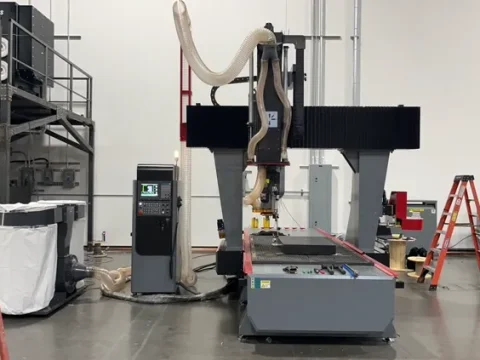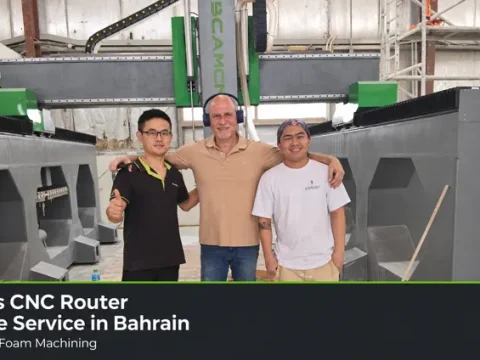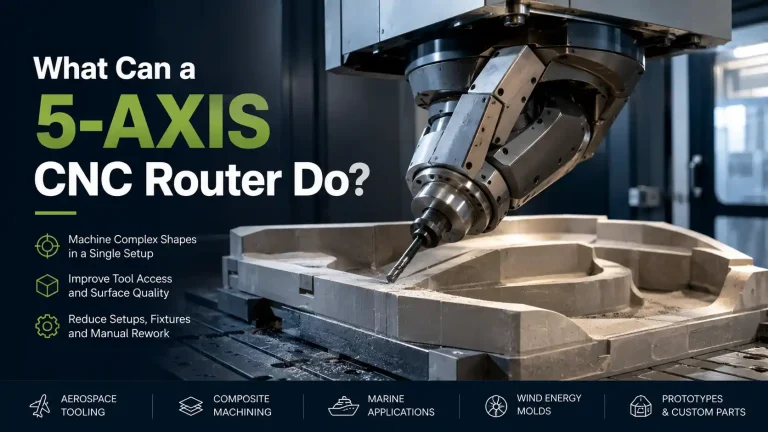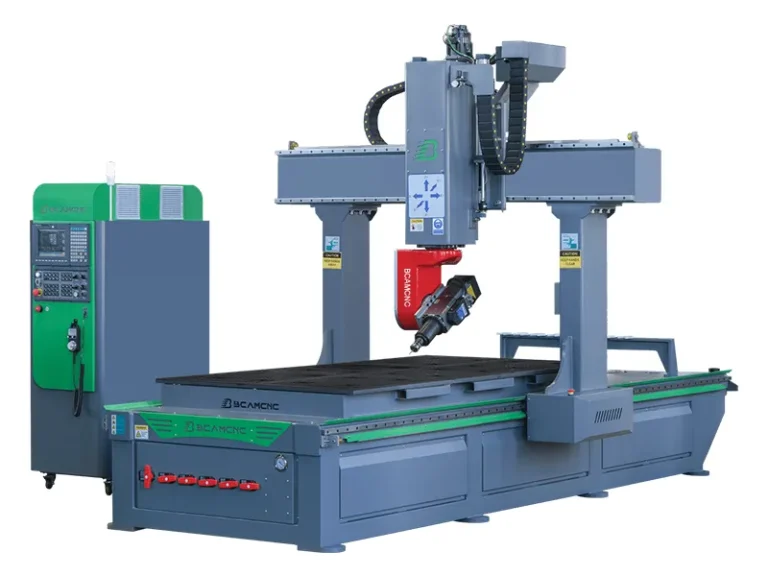

BCAMCNC provided onsite technical support for the Phoenix 1325 5-axis CNC router project, focusing on controller guidance, program review, and machine movement checks.
For an operator learning to use a five-axis router, understanding the relationship between the program on the screen and the movement of the spindle head is an important step. The onsite work brought these two aspects together, making the operating process easier to follow at the machine.
Reviewing the CNC Control Interface
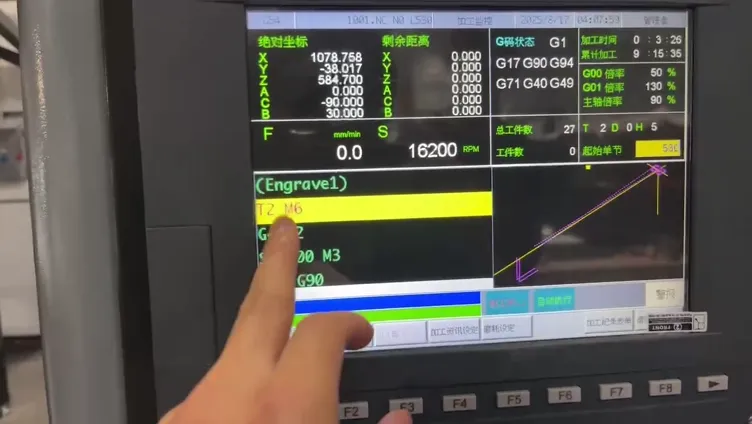
Connecting program information with machine activity
The controller guidance focused on the machining program display, coordinate information, and the graphical movement preview.
These elements help an operator understand what the machine has been instructed to do. Reviewing them together provides context for individual program blocks and helps connect the displayed instructions with the machine’s physical response.
This is particularly useful when moving beyond basic three-axis operation. A five-axis machine introduces changes in tool orientation, so operators need to pay attention to both tool position and spindle-head angle.
Checking Spindle Head Movement
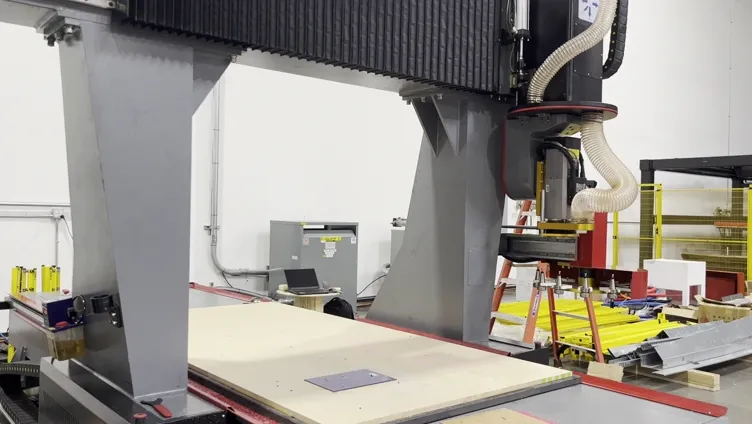
Understanding the space required for rotation
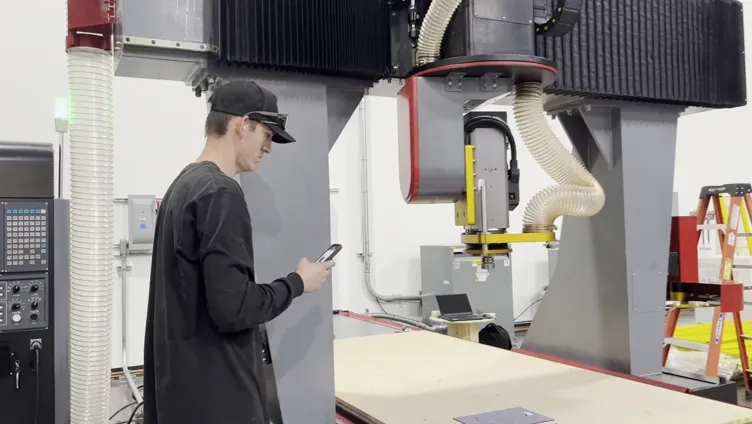
The onsite work included movement checks with the spindle head changing orientation above the worktable.
A rotating head requires clearance around the tool, spindle assembly, workpiece, and fixtures. Observing these movements helps explain why a setup must account for more than the cutting tip alone.
For new machining tasks, checking the planned movement before cutting is an important part of preparation. The operator needs to consider how the complete head assembly will move through the available space.
Reviewing the Workshop Setup
Considering extraction hoses and surrounding equipment
The 1325 installation included extraction hoses connected around the spindle-head area, alongside a separate collection unit.
Hose routing deserves attention on a five-axis router because the head changes angle during operation. The hoses need sufficient freedom of movement without interfering with the working area.
The machine’s surroundings also matter. Access to the controller, the loading area, and routine service points should be considered as part of the workshop setup.
Linking Technical Instruction with Practical Operation
Explaining the reason behind each check
Effective onsite support connects operating instructions with the equipment in front of the customer. A controller function becomes easier to understand when its effect can be observed directly at the machine.
For the Phoenix project, program review and spindle-head movement checks provided a practical basis for discussing machine operation. This approach helps clarify how software instructions, machine coordinates, and head orientation relate to one another.
It also gives the customer’s team an opportunity to raise questions in the context of their own installation.
Building a Consistent Preparation Routine
From program review to controlled machine movement
A clear preparation routine helps operators approach new jobs systematically. Program information, tool setup, workpiece positioning, and movement clearance all need to be considered together.
Onsite technical support is valuable at this stage because it allows questions to be addressed using the customer’s actual machine and workshop conditions.
The Phoenix 1325 project illustrates this practical side of after sales service: helping users understand the equipment through controller guidance and machine-side checks.
Discuss Your Five Axis CNC Router Project
Plan the machine and the operating workflow together
When selecting a five-axis CNC router, consider your workpiece requirements, workshop layout, programming process, and operator training needs.
Send BCAMCNC your material details, workpiece dimensions, and application drawings to discuss a suitable machine configuration and technical support requirements.
Website: https://www.bcamcnc.com
Email: admin@bcamcnc.com
WhatsApp: +86 151 5410 9683